Media Conversion Made Simple
Convert your media files with the power of Open Source Cloud
Upload any video and get a 3-minute transcoded sample instantly — no sign-up needed.
Starting at €599/mo · 14-day free trial
Own Your Transcoding Pipeline
Built on open-source SVT Encore, the same transcoding engine trusted by Swedish public broadcaster SVT. Unlike proprietary cloud transcoding services, you can:
- Use standard open-source components (FFmpeg, SVT Encore)
- Export your transcoding profiles and configurations
- Migrate to self-hosted infrastructure anytime
- No vendor-specific APIs or proprietary formats
You own your workflow. We just make it easier.
Transcode Videos
Upload files directly or from cloud storage. Multiple quality profiles for any use case.
VOD Packaging
Automatically package transcoded content into DASH and HLS for streaming.
Built-in Player
Preview packaged content instantly. Copy embed code for your website.
Cloud Storage
Integrated S3-compatible storage. Browse, upload, and manage your media files.
AI Profiles
Generate custom transcoding profiles with AI. Just describe what you need.
Open Source
Built on open source technology. Powered by SVT Encore, a broadcast-grade transcoder trusted by public broadcasters.
Try Before You Buy
Upload a video file or paste a link, choose a transcoding profile, and get a 3-minute transcoded clip — no account required.
Evaluate NowHow AI Profiles Work
Describe what you need in plain language. AI analyzes your requirements and generates production-ready transcoding profiles — no FFmpeg expertise required.
"I need 1080p, 720p, and 480p for web streaming"
"Broadcast-grade 4K HDR with AV1 for OTT"
"Optimize for mobile 4G networks, vertical video"
See It In Action
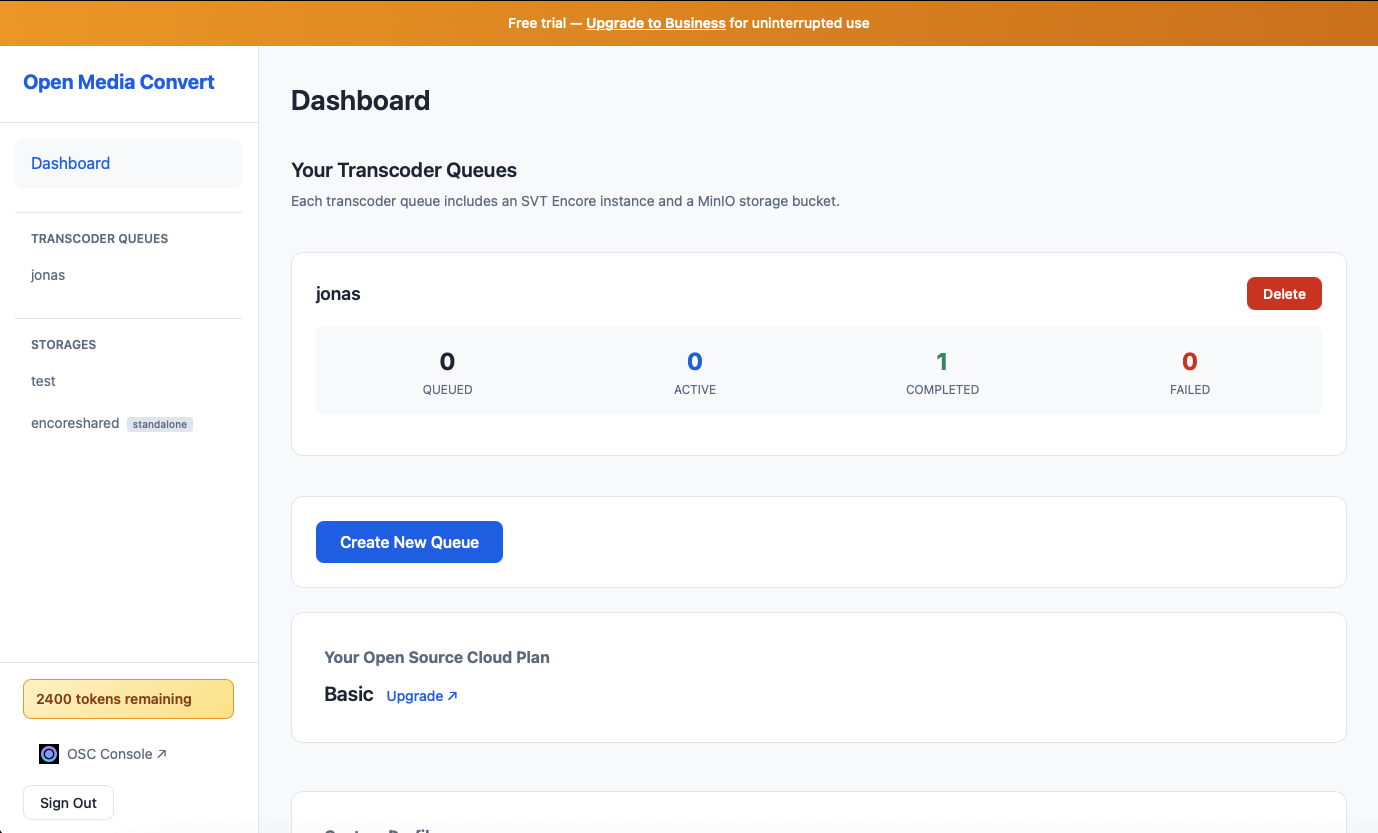
Manage your transcoder queues and monitor job progress
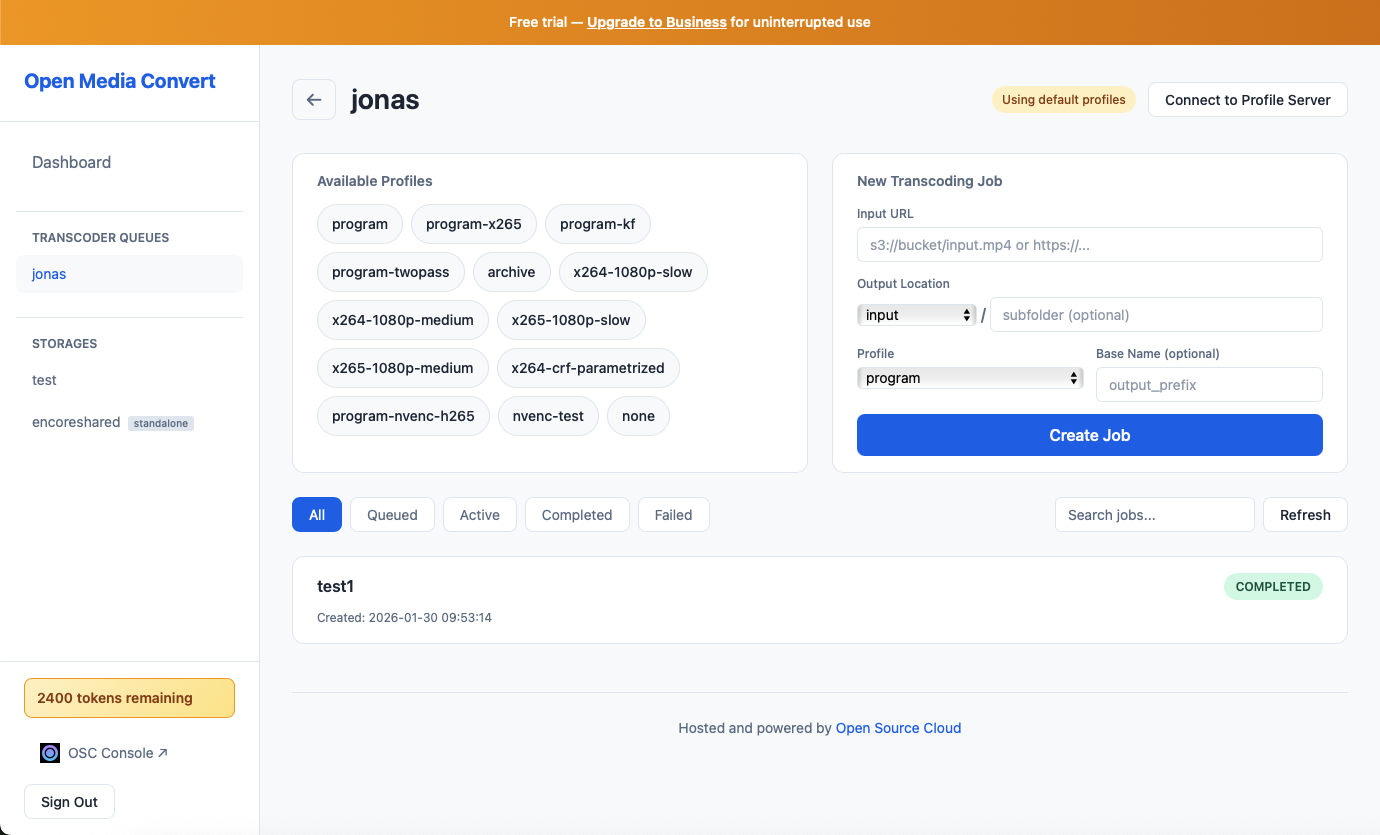
Choose from multiple profiles and create transcoding jobs
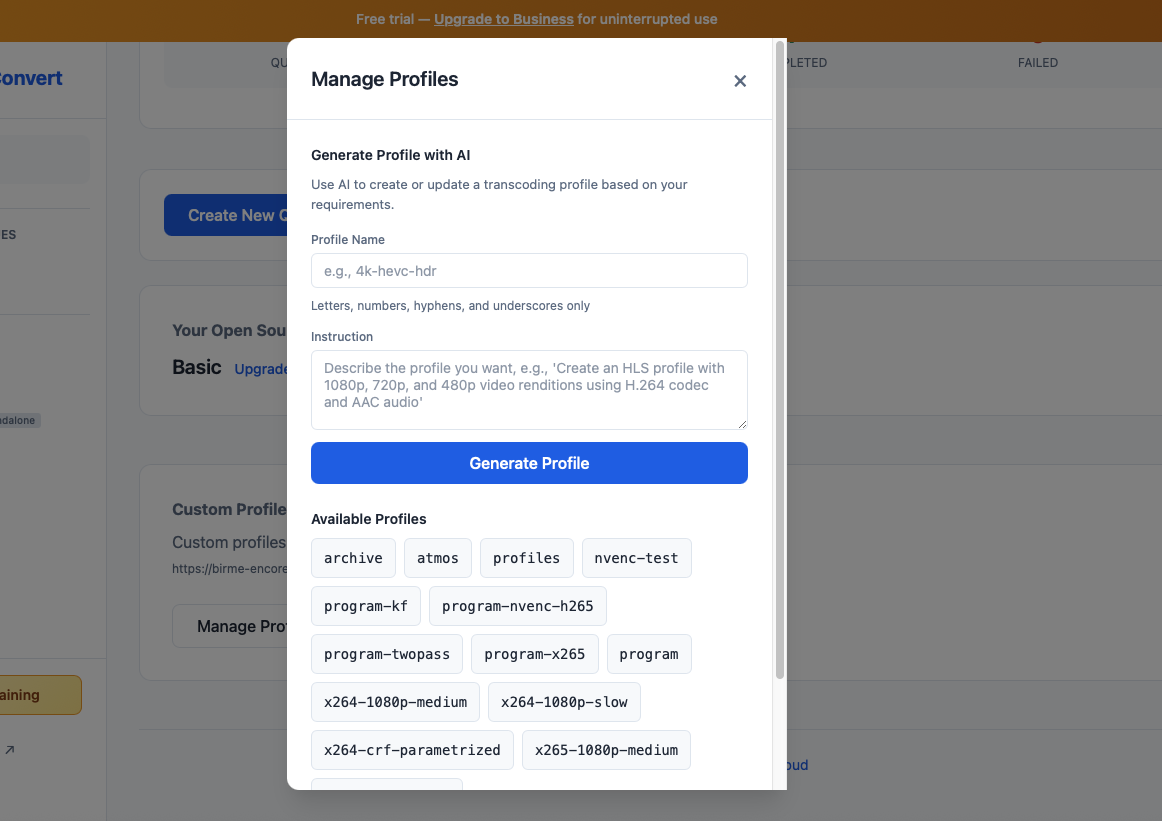
Generate custom profiles with AI assistance
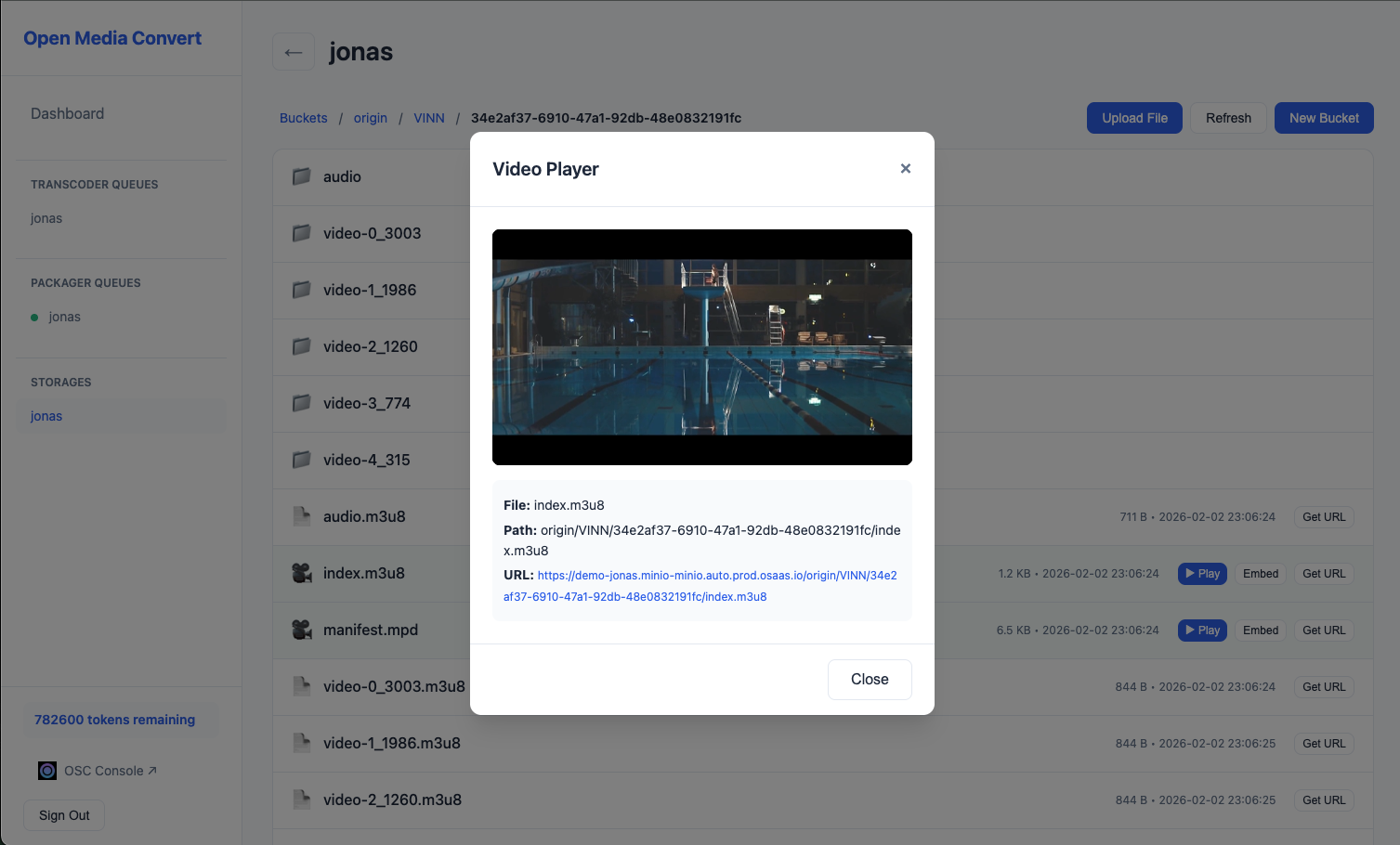
Preview packaged content and copy embed code for your site
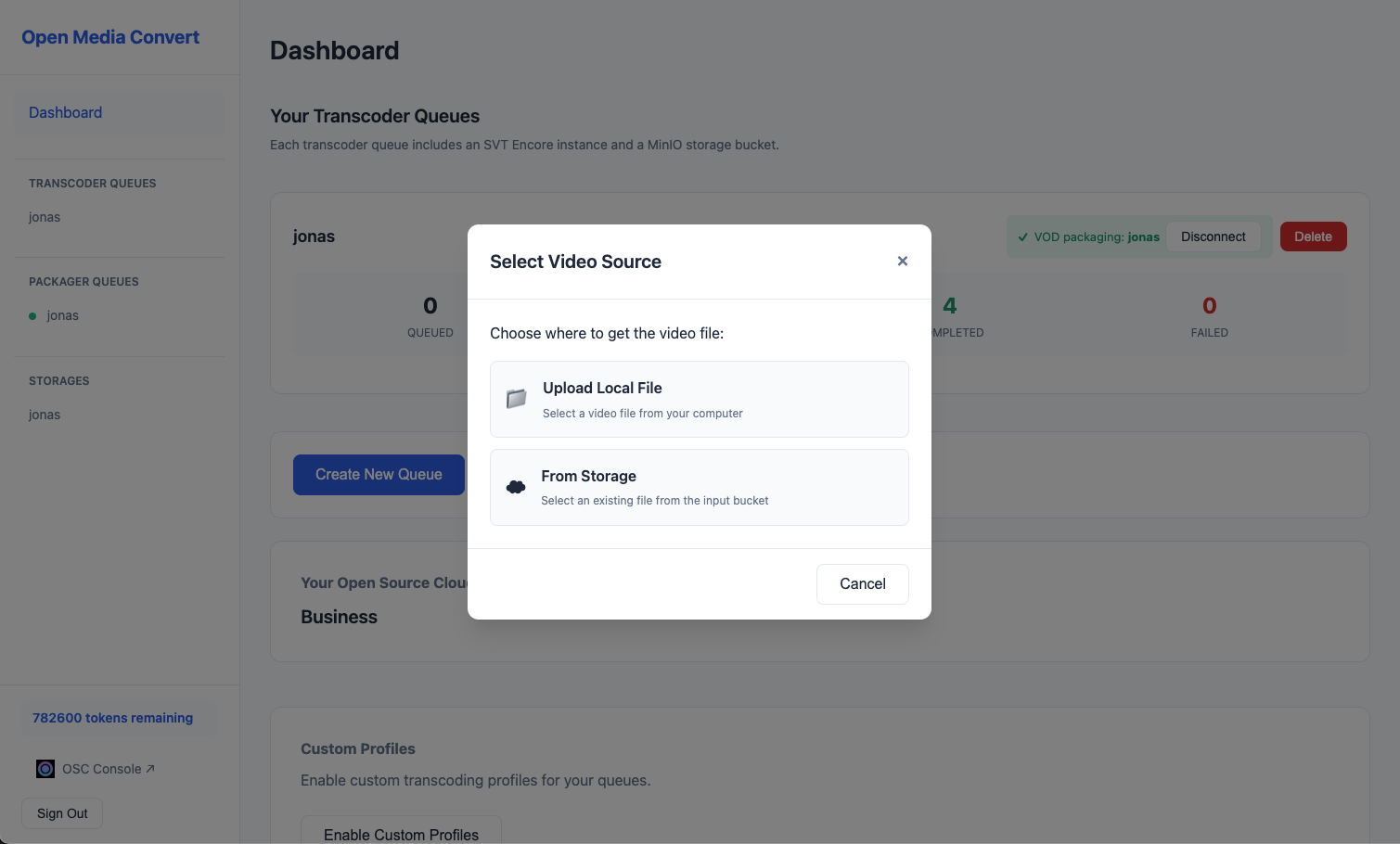
Upload and transcode videos directly from your browser

"Using Eyevinn's Open Source Cloud for short-form transcode, packaging and video player has been a game-changer for us."
Mark Ison ITV
Powered by SVT Encore
SVT Encore is a broadcast-grade transcoding system developed by Sveriges Television (Swedish public broadcaster). Battle-tested in production environments and trusted by broadcasters worldwide for professional media workflows.
Built on Open Source — Own Your Transcoding Pipeline
While Mux, Cloudflare, and AWS MediaConvert run on proprietary black-box technology, Open Media Convert is built entirely on open-source tools you can inspect, run, and contribute to.
SVT Encore
Broadcast-grade transcoding developed by Sveriges Television (SVT), battle-tested in production for 5+ years by European broadcasters. The same engine powering live TV — now available to you.
Freedom to Migrate
Export your transcoding profiles and configurations at any time. Move to self-hosted infrastructure using the exact same open-source components. No proprietary formats, no data held hostage.
Standard Outputs
DASH and HLS outputs work with any CDN — Cloudflare, Fastly, AWS CloudFront, or your own. No proprietary delivery network required.
Community-Driven
SVT Encore is actively maintained and open to contributions. Audit the code, report issues, or add features directly to the underlying technology powering your workflow.
Simple Pricing
Business
per month
- 14-day free trial to get started
- Transcoding with multiple quality profiles
- VOD packaging to DASH and HLS
- Built-in video player with embed code
- Cloud storage for input and output
- AI-powered profile generation
No commitment required. Cancel anytime.
Dedicated Node
per node / month
- Allocate dedicated processing nodes
- Guaranteed capacity
- Scale as needed
Frequently Asked Questions
- Open Media Convert accepts virtually any input format — MP4, MOV, AVI, MKV, WebM, and more. Output formats include DASH and HLS for adaptive streaming, and MP4 for direct download. Transcoding is powered by FFmpeg via SVT Encore.
- Describe your transcoding requirements in plain language — for example, “4K HDR optimised for YouTube upload” — and AI generates an optimised FFmpeg profile automatically. No FFmpeg expertise required.
- SVT Encore is a broadcast-grade transcoding system developed by Sveriges Television (SVT), Sweden’s public broadcaster. It has been battle-tested in production for 5+ years by European broadcasters. Being open source means no vendor lock-in.
- The Business plan at €599/month includes unlimited transcoding jobs, VOD packaging to DASH and HLS, a built-in video player with embed codes, S3-compatible cloud storage, and AI-powered profile generation. There are no per-minute charges. Add dedicated processing nodes for +€200 per node/month for guaranteed capacity.
- Yes. Open Media Convert produces standard DASH and HLS outputs that work with any CDN — Cloudflare, Fastly, AWS CloudFront, or your own infrastructure. There is no lock-in to a proprietary delivery network.
- Open Media Convert is built on open-source SVT Encore rather than proprietary technology. Pricing is a flat €599/month — no per-minute or per-gigabyte charges like usage-based competitors. The platform provides an end-to-end workflow (transcode, package, player) in one place, hosted in Europe for GDPR compliance.
- The free trial gives you full access to all Business plan features. No credit card is required to start. After 14 days you can upgrade to continue, or export your content. There are no surprise charges.